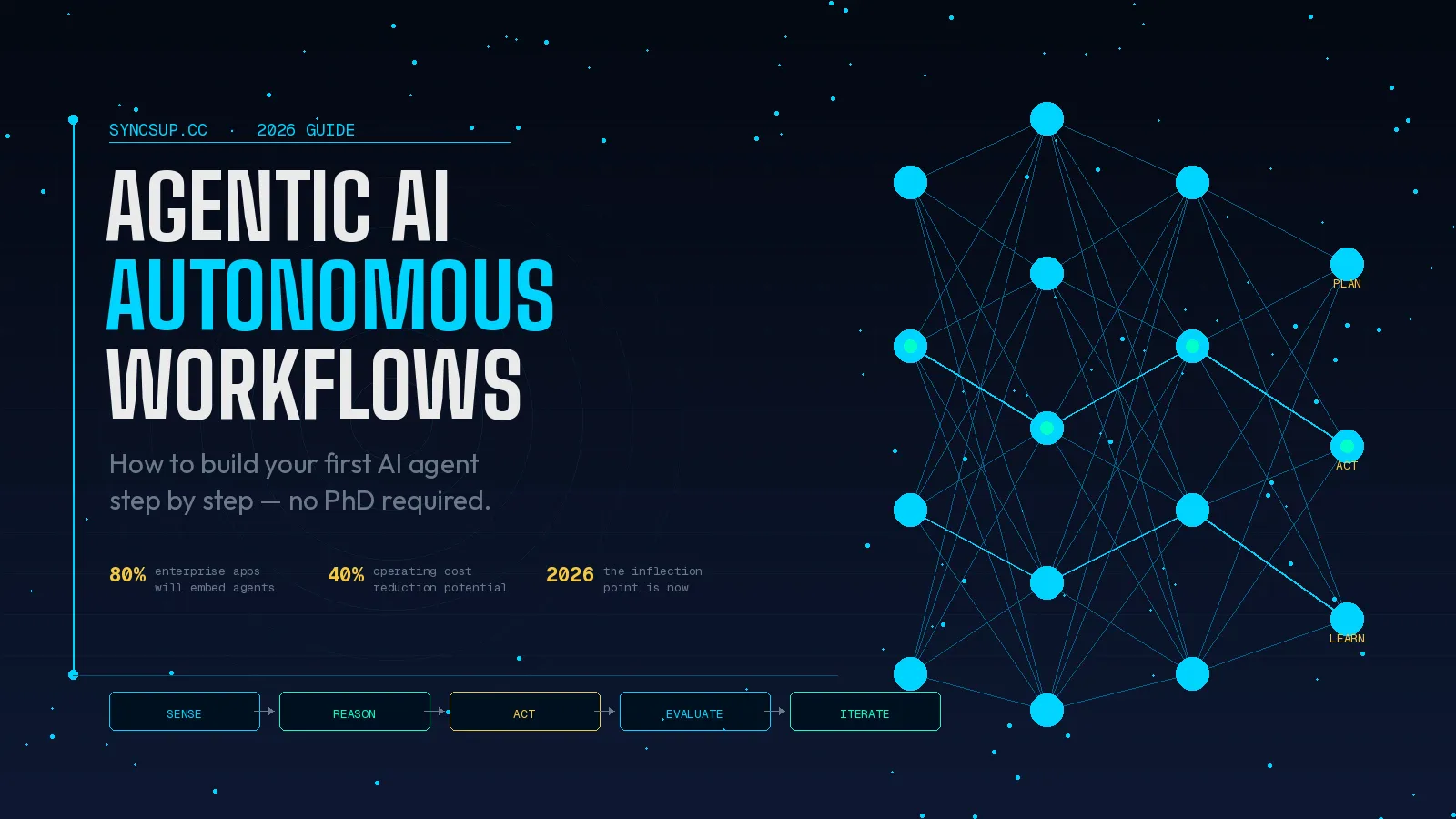

Agentic AI refers to AI systems that can reason, plan, and execute multi-step tasks independently — without needing a prompt for every action. To build your first autonomous workflow in 2026, you need a clear goal, the right orchestration platform, defined tool access, and a human-in-the-loop checkpoint. The entire process can be set up in under a day using today's no-code agent builders.
What Is Agentic AI (and Why It's Different From Regular AI)?
Most people have used a chatbot. You type, it responds. Done. Agentic AI operates on a completely different level. Instead of a single input-output loop, an agentic system perceives its environment, sets a plan, takes action, evaluates results, and iterates — all without you holding its hand at every step.
Think of the difference between asking a colleague "What's our Q3 revenue?" versus hiring them full-time to monitor, report, and flag anomalies every week without being asked. That's the leap from generative AI to agentic AI.
In our testing, the most effective way to explain this to teams is through the "closed loop" model:
- Sense — the agent reads data, files, APIs, or web content
- Reason — it evaluates the situation against a goal
- Act — it calls tools, writes outputs, or triggers downstream processes
- Learn — it adjusts based on feedback or results
Agentic AI operates as a closed loop that senses its environment, reasons about objectives, chooses actions, and learns from outcomes. This distinguishes it from standard generative AI, which only infers patterns or responds to prompts.
Pro-Tip: Don't confuse "agentic AI" with "automation." Traditional automation follows rigid, pre-coded rules. Agentic AI adapts. If the data changes or the task hits an unexpected fork, the agent figures out the next step rather than crashing.
Why 2026 Is the Inflection Point for Autonomous Workflows
This isn't hype. The numbers are striking. By 2026, IDC expects AI copilots to be embedded in nearly 80% of enterprise workplace applications, reshaping how teams work, decide, and execute.
More importantly, nearly 85% of executives believe employees will rely on AI agent recommendations to make real-time, data-driven decisions.
The shift is being driven by three converging forces:
- Better models: Frontier models can now reason across long, multi-step tasks without losing context mid-way
- Standardized protocols: The Model Context Protocol (MCP) and Agent-to-Agent (A2A) standards are removing the need for custom connectors between tools
- Cheaper inference: Running agents continuously is now cost-viable for small teams, not just enterprise budgets
A recent McKinsey report highlights that AI-centric organizations are achieving 20% to 40% reductions in operating costs and 12–14 point increases in EBITDA margins, driven by automation, faster cycle times and more efficient allocation of talent.
The window to build a meaningful early advantage is right now — before every competitor has the same setup.
Pro-Tip: Watch out for "agent washing." Industry analysts estimate only about 130 of thousands of claimed "AI agent" vendors are building genuinely agentic systems. Before buying any platform, verify it supports true multi-step reasoning — not just glorified chatbot flows.
The Anatomy of an Autonomous Workflow
Before you build anything, you need to understand the components every agentic workflow shares. We found that most failed agent projects skip one of these layers.
1. The Goal Layer
This is the "north star" for your agent. It should be specific and outcome-oriented. Instead of "help with marketing," write "monitor our top 5 competitor sites weekly, summarize any pricing or product changes, and email a brief to the team every Monday at 8am."
2. The Memory Layer
Agents need memory to avoid repeating work and to accumulate context over time. There are three types:
- In-context memory — what's in the current prompt window
- External memory — a vector database or file the agent can query
- Episodic memory — logs of past actions the agent can reference
3. The Tool Layer
Tools are how agents take action in the world. Common tool types include:
- Web search and web browsing
- Code execution environments
- API calls (CRM, Slack, Google Workspace, etc.)
- File read/write access
- Form submission and data entry
4. The Orchestration Layer
This is the "brain" that decides which tools to call, in what order, and what to do when something fails. Architecture is how you decide what the agents you choose for your workflow can do, how much freedom they have, and how they behave when something goes wrong.
5. The Human Checkpoint Layer
Every production-ready agent needs at least one point where a human can review, approve, or redirect. Success requires deploying "agent supervisors" — humans who enter workflows at intentionally designed points to handle exceptions requiring their judgment.
Pro-Tip: When designing your first workflow, map out all five layers on a whiteboard before opening any platform. Teams that skip this step typically rebuild their agent two or three times before it works reliably.
How to Build Your First Autonomous Workflow: Step-by-Step
Here's the exact process we use when helping teams deploy their first agentic workflow. Start simple, then expand.
Step 1: Choose a Narrow, High-Value Use Case
Don't start with "automate our entire sales process." Start with something like:
- Monitoring a competitor's pricing page for changes
- Drafting weekly performance summaries from a spreadsheet
- Triaging incoming support emails and drafting first responses
The best first use cases share three traits: repetitive, time-consuming, and low-risk if the agent makes a mistake.
Step 2: Pick Your Orchestration Platform
Your platform choice defines your ceiling. Here's how the main options compare in 2026:
| Platform | Best For | No-Code? | Multi-Agent? | Cost (Starting) |
|---|---|---|---|---|
| n8n | Technical teams, self-hosted | Partial | Yes | Free (self-hosted) |
| Zapier AI | Non-technical users | Yes | Limited | ~$20/mo |
| LangChain / LangGraph | Developers, custom builds | No | Yes | Usage-based |
| CrewAI | Multi-agent orchestration | No | Yes | Free (open source) |
| Make (Integromat) | Visual workflow builders | Yes | Limited | ~$9/mo |
| Stack AI | Enterprise deployments | Partial | Yes | Custom pricing |
In our experience, n8n and CrewAI offer the best balance of power and flexibility for teams willing to invest a few hours in setup. Zapier AI is the fastest starting point for non-technical users.
Step 3: Define Your Tools and Permissions
List every external system your agent needs to touch, then set the minimum permissions it needs — nothing more. This is critical for security. Leading organizations are implementing "bounded autonomy" architectures with clear operational limits, escalation paths to humans for high-stakes decisions, and comprehensive audit trails of agent actions.
For a typical content workflow, that might look like:
- Read access to Google Drive
- Write access to a specific Notion database
- Send-only access to one Slack channel
- Web search (via Brave API or Tavily)
Step 4: Write Your System Prompt (The Agent's Job Description)
This is where most beginners underinvest. Your system prompt is the agent's operating manual. A good one includes:
- The agent's role and primary goal
- What tools it has access to and when to use each one
- Explicit rules for what it should never do
- Output format requirements
- What to do when it hits uncertainty — escalate, ask, or skip?
Step 5: Run It in "Supervised" Mode First
Before you let any agent run autonomously, run 10–20 test scenarios with a human watching every action. Log what it gets right, what it gets wrong, and where it gets confused. Our experience shows that most agents need 3–5 rounds of prompt refinement before they're reliable enough for unsupervised operation.
Step 6: Add Observability
You can't improve what you can't see. At minimum, your agent should log:
- Every action it took
- Every tool it called and the result
- Any errors or fallbacks triggered
- Time taken per step
Tools like LangSmith, Langfuse, or even a simple Airtable log work well for this.
Pro-Tip: Set a weekly "agent review" calendar event for the first month after launch. Spend 20 minutes reviewing logs, catching edge cases, and tightening the system prompt. This habit separates teams with reliable agents from those who abandoned theirs after a bad week.
Common Agentic AI Use Cases That Work Right Now
We've seen the following use cases deliver results almost immediately, even for teams new to agentic workflows:
Business Operations
- Automated competitive intelligence monitoring
- Invoice processing and expense categorization
- Meeting summary generation and action item distribution
Marketing
- Repetitive tasks like data analysis, lead segmentation, and campaign reporting, which once consumed hours of manual effort, can now be handled autonomously.
- Social media scheduling based on trending topic analysis
- SEO gap analysis and content brief generation
Customer Support
- AI agents in customer service respond to queries in natural language, interpret context, and generate human-like responses.
- Auto-routing of support tickets to the right team
- First-response drafting with context from the CRM
Engineering & Dev
- Automated code review and documentation
- Test generation from user stories
- Deployment monitoring with auto-rollback triggers
→ AI Auto Blogging: Find, Write & Publish in Minutes — Transform Your Content Creation in 2026
Multi-Agent Systems: The Next Level
Once your single-agent workflow is stable, you're ready to think about multi-agent orchestration — where specialized agents hand off tasks to each other like a relay team.
In 2026, business value grows by creating "digital assembly lines": human-guided, multi-step workflows where multiple agents run a process from start to finish. This is made possible by the Model Context Protocol (MCP), which allows agents to connect seamlessly with diverse data sources and take real-time actions.
A real-world example of a multi-agent marketing workflow:
- Research Agent → scans industry news, competitor blogs, trending topics
- Strategy Agent → decides which topics align with the content calendar
- Writing Agent → drafts blog posts or social copy
- QA Agent → checks for brand voice, factual accuracy, SEO basics
- Publishing Agent → schedules and posts to the right platforms
Each agent is specialized. Each hands off its output as the next agent's input. The orchestrator manages the flow and routes exceptions to a human when needed.
Pro-Tip: Don't build multi-agent systems from scratch. Use an orchestration framework like CrewAI or LangGraph that handles inter-agent communication natively. Building your own message-passing layer is a significant engineering undertaking.
→ Best Open Source and Offline AI Tools in 2026: Privacy-First AI Solutions
Mistakes to Avoid When Building Agentic Workflows
We've seen teams make the same errors repeatedly. Here's what to avoid:
Giving agents too much freedom too fast. Start with a narrowly scoped agent that can only touch two or three tools. Expand permissions gradually as trust is established.
Skipping the human checkpoint. Many so-called agentic initiatives are actually automation use cases in disguise, and poorly designed agentic applications can actually add work to a process. A missing human checkpoint is usually why.
Not building for failure states. What does your agent do if the API it depends on goes down? If it receives malformed data? If it runs out of context window? Every production agent needs explicit fallback instructions.
Optimizing the wrong process. Match the architecture to the business case. Give the system the smallest amount of freedom that still delivers the outcome. Then put your effort into tool design, safety, and observability.
Agent washing your own roadmap. Not every workflow needs an agent. If a process is perfectly predictable and never changes, a standard Zapier automation is cheaper, faster, and more reliable.
Agentic AI and Your Existing Tech Stack
You don't need to rip and replace your tools. In fact, the best agentic deployments build on top of existing systems. Rather than replacing systems like CRMs or ERPs, AI agents enhance them. Using APIs, webhooks, and middleware, agents can read data, write updates, trigger workflows, and respond to events across platforms.
The practical integration checklist:
- Does your tool have a public API? → Directly integratable
- Does your tool support webhooks? → Can trigger agents in real time
- Does your tool have a Zapier/Make connector? → Integratable via middleware
- Legacy system with no API? → Use browser-use agents that operate the UI directly
→ Best AI Tools for Python Development
Frequently Asked Questions
What's the difference between agentic AI and traditional automation? Traditional automation (like Zapier or RPA) follows fixed, predefined rules and breaks when inputs change. Agentic AI can reason about unexpected situations, choose between multiple paths, and adapt its approach mid-task. Automation is rigid; agentic AI is adaptive.
Do I need to know how to code to build an agentic workflow? Not necessarily. Platforms like Zapier AI, Make, and Stack AI offer visual, no-code interfaces for building agent workflows. However, for more complex or custom setups, some familiarity with Python or JSON is helpful — especially when writing system prompts or configuring tool schemas.
How much does it cost to run an agentic workflow? Costs vary widely. Simple workflows on no-code platforms can run for under $50/month. More complex, always-on multi-agent systems with high LLM usage can run $200–$2,000+/month depending on volume. The key cost driver is the number of LLM calls per task — optimizing your prompts and caching common outputs can significantly reduce spend.
Is agentic AI safe to deploy in a business environment? Yes, with the right guardrails. The main risks are data exposure (if permissions are too broad), incorrect outputs (if there's no human review), and runaway costs (if there's no usage cap). All three are manageable with proper architecture. Start with read-only tool access, add a human checkpoint for any consequential actions, and set hard token/spend limits in your platform.
What's the best first agentic workflow to build? A competitive monitoring agent is one of the best starting points. It reads publicly available information (no data risk), produces a document output (easy to review), runs on a schedule (predictable), and delivers clear business value. It typically takes 2–4 hours to build and requires zero sensitive integrations to get started.